
The links below download the file:
For smaller projects you can use the non-macro-enabled file:
GeneralGantt LL260521_UtanMacro
For larger projects with over a hundred rows, you may need to use the macro-enabled file.
GeneralGantt LL260521_3
In broad terms, the file works as follows:
In three different tabs you will find three Gantt charts based on days, hours or weeks. The sheets you do not use can simply be deleted.

The idea is that you change the yellow cells. At the moment example data is included; you can delete that data once you have understood how it is used.
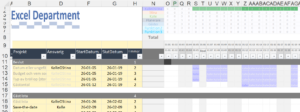
At the top there are a couple of plus signs, so-called groupings, and if you open them…

…additional fields are shown:

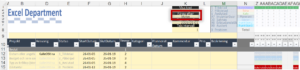
Under the cell ”Colour by” you can choose to colour the Gantt chart by owner…
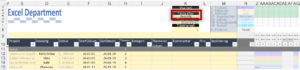
…or status:
If any problems should arise, or you would like to develop the process further, we are happy to help.
Next steps
Need help?
Book a free call with our consultants.
Learn more on a course
Excel basic course or advanced — we have courses for every level.

