Print settings
In addition to there being a workbook view called Page Layout, there is also a tab in the ribbon called Page Layout. Under that tab you find most of the tools that affect how printouts look in Excel. Many of the same tools can also be found under File -> Print.

Print Area
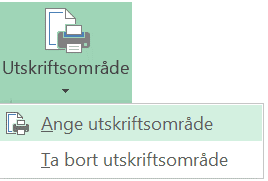
You can select which parts of the worksheet are to be printed. First click Print Area under the Page Layout tab. Select the cell range you want to print. You can select several cell ranges and you can remove your selected print areas.

Scale to Fit
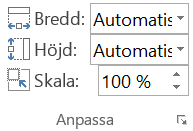
Under the Page Layout tab there is the Scale to Fit tool group, which you can use to choose how many pages you want your printout to fit on. Either all the data in the worksheet will be printed, or, if you have selected print areas, each individual print area. The data will be enlarged or reduced to fit the chosen number of pages.
Print tools under File
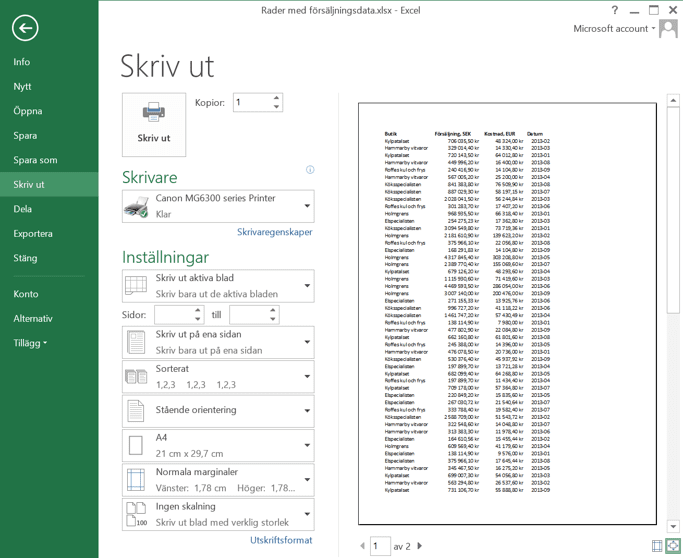
Under the File tab, select Print to bring up the print settings from the Page Layout tab. Here you can also choose, among other things, paper size and margins.
Previous
Some of our clients
We have both large and small companies as clients.