[addtoany]
Quick-create charts
To quick-create a chart, do as follows:
- Organise your data as follows.
Template:
Example:
- Select the range.
- Insert a chart (Insert tab ⇒ Charts).
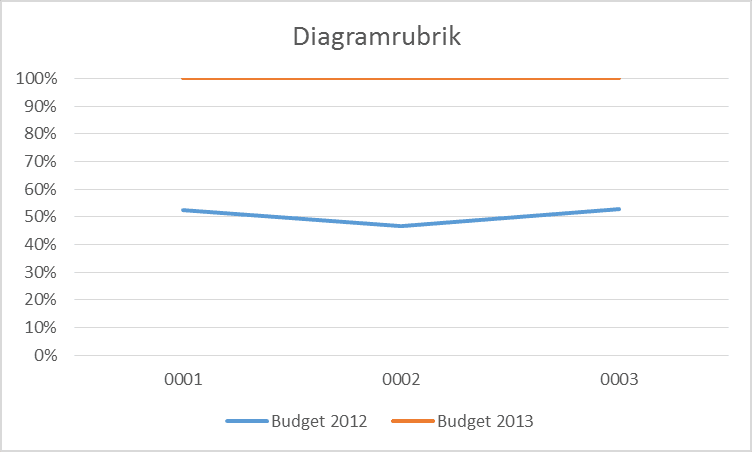
If you chose a regular line chart, the result will be (approximately, depending on your Excel version):
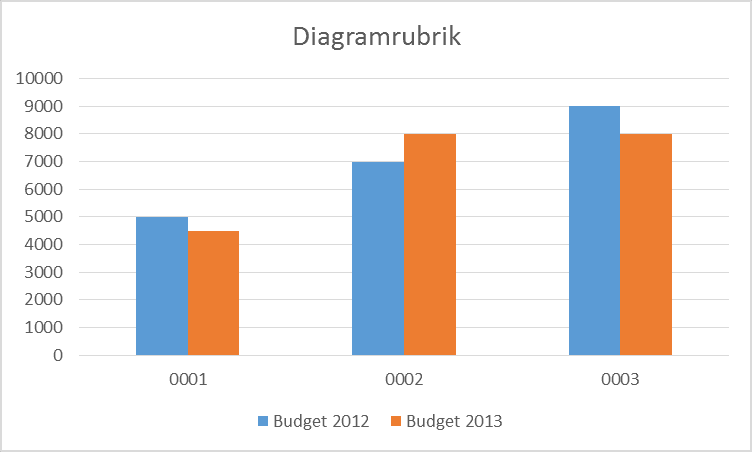
If you chose a regular column chart, the result will be (approximately, depending on your Excel version):
Previous
Next
Some of our clients
We have both large and small companies as clients.












Contact us
Excel experts
We are among the country’s leading Excel experts. We help you use Excel in the best possible way and achieve better results faster.