The workbook
Excel files are also called workbooks. When you start Excel, an empty workbook is created that you can later choose to save.
Worksheets
A workbook can contain one or more worksheets. To create a new worksheet, click the plus sign to the right of the tabs. To rename a worksheet, double-click the worksheet’s tab.
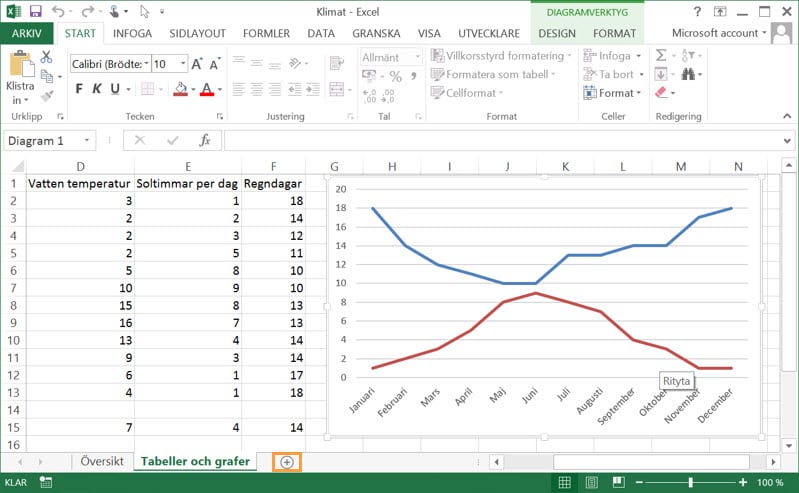
If the workbook is compared to a squared notepad, each worksheet corresponds to a page in the notepad.
Rows and columns
The worksheet is divided into columns and rows. Columns are designated by a letter (A, B, C,…),
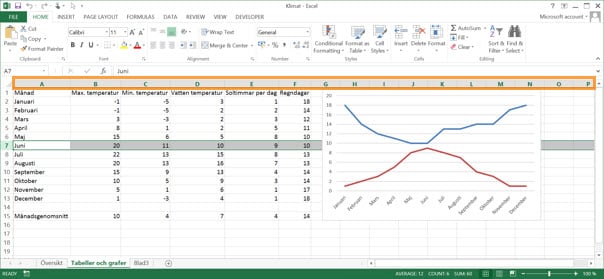
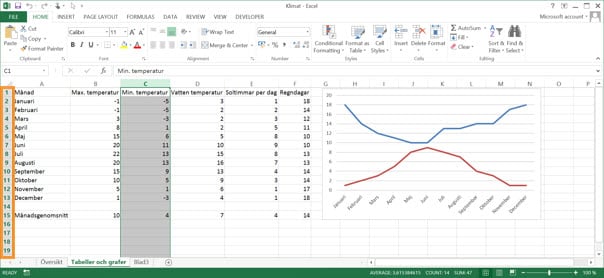
while rows are designated by a number (1, 2, 3,…).
Cells
At the intersection of each column and row there is a cell. If each worksheet is a page in a squared notepad, each cell corresponds to a square in the notepad.
Cells are designated by the column letter followed by the row number:
- ColumnRow
E.g.A1, B2, C3
You can specify which worksheet the cell is on by writing this in your formula:
- ’Worksheet’!ColumnRow
E.g.'Sheet2'!A1
You can also specify which workbook the cell is in by writing:
- [Fil]’Worksheet’!ColumnRow
E.g.[Bok2.xlsx]'Sheet2'!A1
Drawing layer
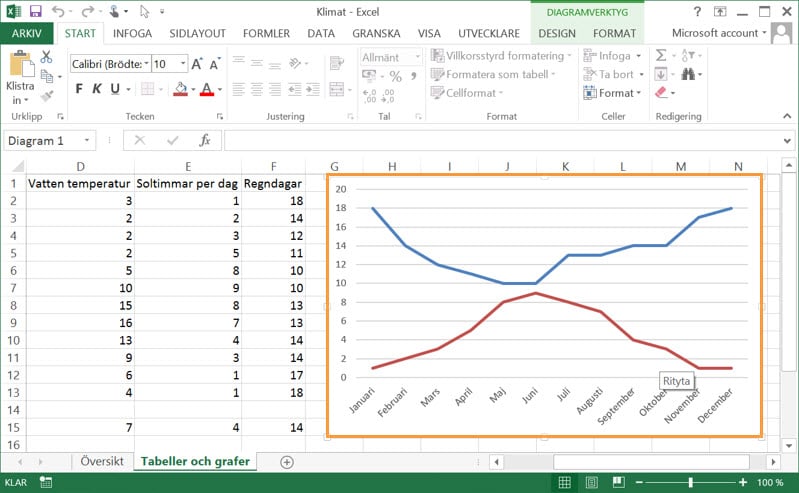
On top of the worksheet’s cells there is an invisible drawing layer. On it you can insert charts, pictures, arrows and other objects. These objects are not located in any cell but on top of the cells.
Previous
Some of our customers
Our customers include both large and small companies.